

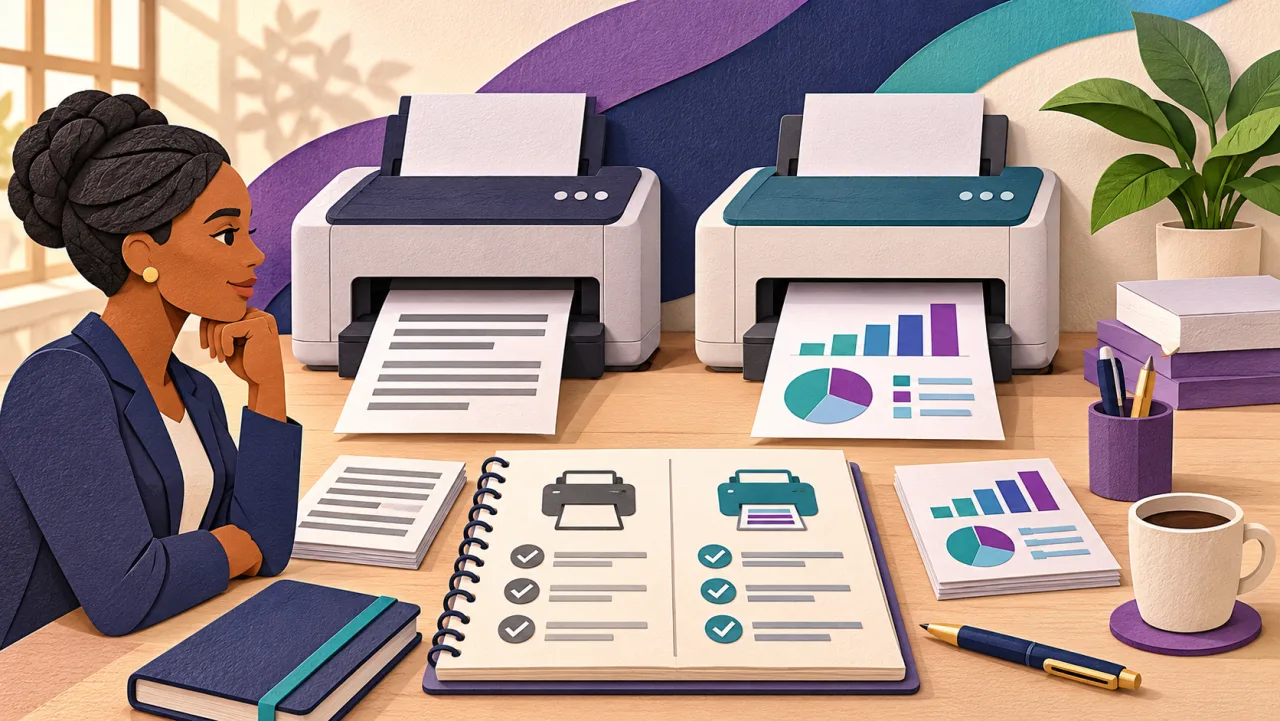
When the office printer is due for replacement, “Should we get colour this time?” sounds like a simple question. It becomes easier to answer when you bring actual documents and a short print record to the discussion. A receptionist printing invoices, a consultant preparing charts and a team producing customer brochures may need different arrangements.
Decide where colour changes the result
Look at the documents people actually use. Can an invoice, contract or internal form do its job in black and white? Does a chart remain understandable without colour? Does a customer-facing document need a particular finish? Print sample pages both ways before deciding.
Separate “nice to have” colour from work that loses meaning without it. If a chart relies entirely on red and green, labels or patterns may make it clearer for everyone. If customers need to distinguish product colours, a monochrome copy may not meet the need.
| Your work | Option to investigate | Check before deciding |
|---|---|---|
| Mostly text, invoices and internal forms | A monochrome device | How you will handle occasional colour requests |
| Regular colour documents needed immediately | A colour device | Sample quality, settings, consumables and support costs |
| Routine text plus occasional specialist brochures | Monochrome in-house with external colour printing | Turnaround, delivery, confidentiality and repeat-order costs |
| An existing printer already meets the workload | Keep it and improve the process | Service condition, supply availability and the actual cause of delays |
These are starting points, not automatic buying rules. A colour machine can be sensible even when colour is a minority of your pages if those pages are urgent. Outsourcing can be sensible when deadlines and document handling allow it. Compare your complete arrangement.
Count the workload, including the busy morning
Use available device counters or a simple job log to estimate a normal month and identify peaks. Record printed sides separately from sheets so a two-sided document does not confuse your comparison. Note the largest regular job, the number of users and whether queues disrupt work.
Do not choose capacity from the biggest number on a specification sheet. HP distinguishes maximum monthly duty cycle from recommended monthly page volume; the recommended range is the more useful starting point for sustained use. Ask the supplier to match your workload to the exact device, rather than treating the maximum as a monthly target. HP’s explanation of speed and duty cycle.
For frequent one-page jobs, ask to see how long the first page takes from the state the machine will normally be in. For large packs, test a representative document, including two-sided output. A headline speed alone does not show the whole experience.
Compare the whole job, from scanning to collection
Colour capability is only one requirement. List the paper sizes, scanning tasks, double-sided documents and finishing your team uses. Ask whether each feature is included in the quoted configuration or needs an extra option. Confirm the operating systems and network arrangement you use.
Bring a sample scanning task to a demonstration: several pages, both sides if necessary, sent to the destination your team needs. Check readability and whether another authorised colleague can find the file. For sensitive paperwork, discuss how print collection and access should work. Do not assume every model supports the same workflow.
Ask for costs you can compare
Request written quotes using the same workload, term and inclusions. Compare acquisition or rental, installation, consumables, maintenance, call-outs, delivery and any minimum charges. Identify what is excluded and whether tax is included. If you are offered a per-page agreement, ask how black-and-white and colour pages are counted and billed.
Do not assume that selecting black-and-white output makes all colour consumable use disappear. Brother’s guidance for the listed models explains that colour toner can still be used during maintenance processes even in monochrome mode. This is a model-specific example: ask for the guidance and charging rules for the exact machine on your quote. Brother’s explanation and applicable models.
Ask the supplier to estimate your monthly total using your own page mix, then show what changes in a busy month. Where you buy consumables separately, ask which items need replacing and how stated yields are measured. A cartridge price on its own does not tell you the cost of keeping the office printing.
A worked decision, without invented prices
Illustrative example, not a customer result: an office records 1,800 printed sides in a typical month. Of these, 1,650 are ordinary text and 150 are customer-facing colour pages. Most colour pages are prepared ahead of meetings, but some are needed on the same morning.
The manager asks for two written options: an in-house colour device for all work, and a monochrome device with an external colour-printing arrangement. Both quotes must cover the same 1,800 sides and clarify servicing, supplies and delivery. The manager also asks whether the existing machine can remain in service.
The decision turns on more than the 150 colour pages. Can external printing reliably meet those same-morning requests? Can sensitive documents be handled appropriately? Does the all-in quote justify having colour on site? Without actual quotes and those answers, there is no defensible saving to claim.
Take this brief to your supplier
- Normal monthly printed sides and busiest periods.
- Examples of documents where colour is essential.
- Paper sizes, scanning destinations and finishing needs.
- Number of users, computers and connection requirements.
- Current delays or faults, and what already works well.
- Support location, response arrangements and consumable lead times to confirm.
- A request for a written total with inclusions, exclusions and term.
Download the reusable comparison brief. Keep the completed brief with the quotes so colleagues can see why you chose an option.
Choose for continuity, not just a new feature
If your existing printer produces the documents you need and can be supported, replacement may not be the next step. A better ordering routine, clearer defaults or a service visit may address the problem. If your workload has changed, use that evidence to choose the right configuration.
Explore BusiQuip’s monochrome printer range, then bring your document samples and completed brief to the conversation. Ask for confirmation of the proposed model, configuration, availability and full quote before making a decision.
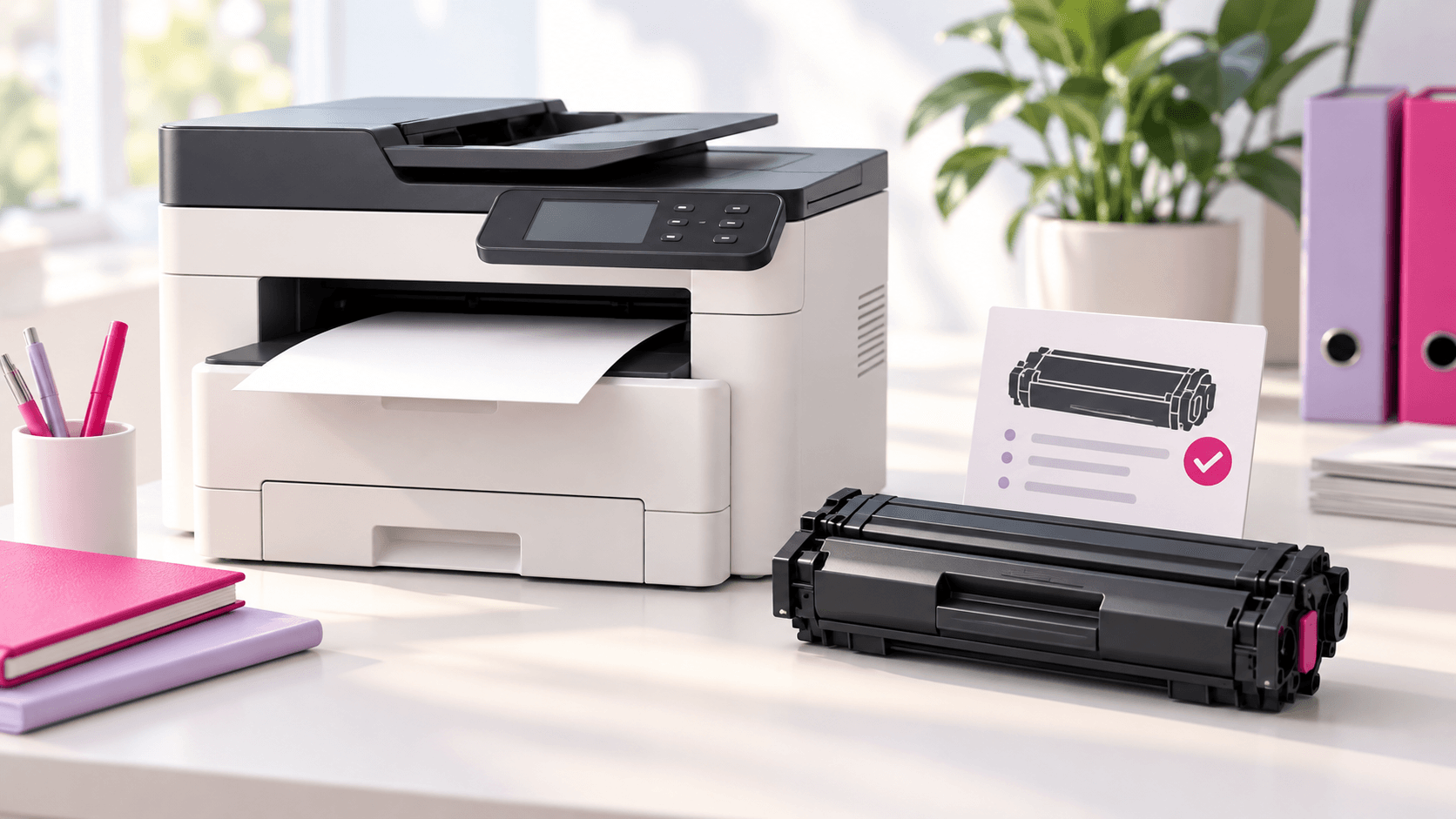
Already have a suitable machine? Use our toner-ordering checklist to make the next consumables enquiry clearer.