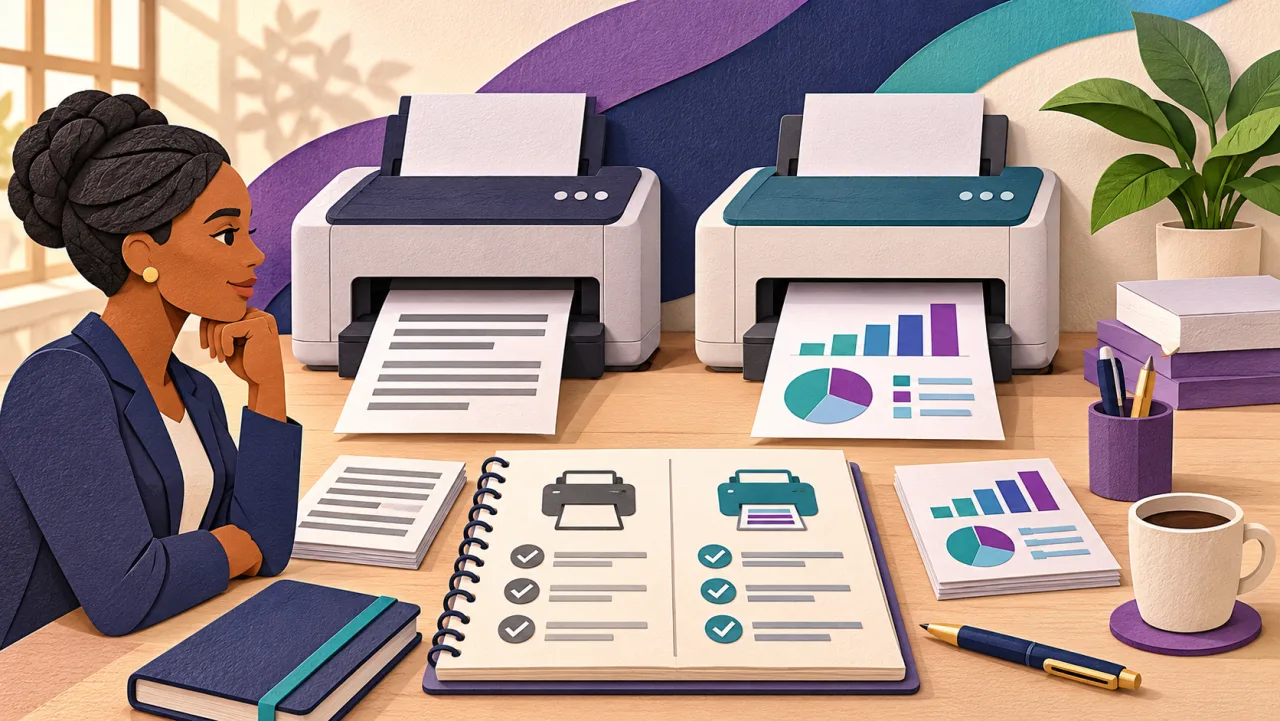


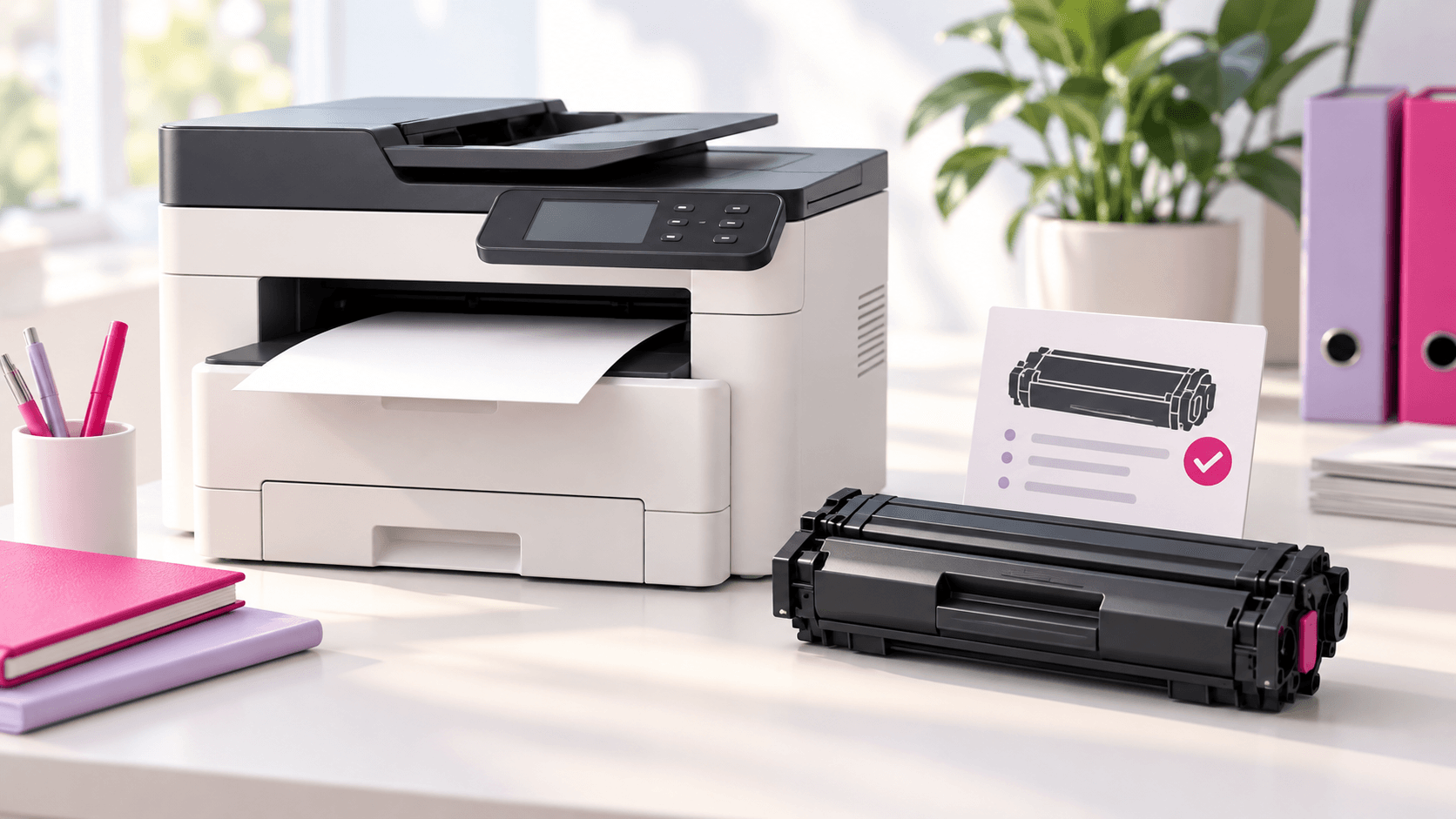
When a shared printer needs toner, the job often lands with the person who happens to see the warning first. They search for a cartridge, find a familiar brand name and forward a link. The missing detail is usually the one that matters: whether that cartridge is right for that exact machine.
For an office in Eswatini, a small, repeatable ordering process is more useful than starting the search from scratch each time. Here is a practical checklist you can keep with your printer records.
1. Identify the full machine model
Record the brand and complete model as shown on the machine label or its device information screen. Keep the letters and numbers together. A broad description such as “the colour Konica Minolta in reception” helps a colleague find the machine, but it is not enough to confirm a consumable.
If the label is difficult to read, send a clear photo to your supplier rather than guessing. If your office has several machines, give each one a short internal name and keep its model in a shared register.
2. Read the warning before choosing the item
Note the exact message and the colour shown, where applicable. “Low toner” and a request to replace another component need different responses. A drum, waste-toner container or other service part should not be ordered as though it were a toner cartridge.
Follow the guide for your actual machine. For example, Konica Minolta’s bizhub C750i guide distinguishes an advance low-toner warning from a replacement prompt, directs users to the on-screen replacement guidance, and says to follow their maintenance arrangement. Those are model-specific instructions, not a compatibility list for every bizhub. Source: Konica Minolta’s toner guidance.
3. Ask for a compatibility confirmation
If the current cartridge’s label is accessible without interrupting or dismantling the machine, record its reference. Use that as another detail for the supplier to check alongside the printer model.
Before approving an order, ask the supplier to identify the exact item being offered and confirm it is suitable for your machine. If the proposal uses a different reference from your previous order, ask for the reason. Similar-looking names or photographs are not a substitute for that confirmation.
Also check any maintenance or supply agreement already attached to the printer. Toner may need to be ordered through an existing arrangement. Confirm that first so the office does not pay for a duplicate supply.
4. Make the timing and location clear
Tell the supplier whether the machine is still printing, displaying an early warning or already stopped. Include the delivery location, your required date and a contact person who can receive the item.
Ask for current stock and the expected delivery or collection date. An item listed in a catalogue is not proof that it is available for your deadline. If the timing is uncertain, decide who will confirm it and when, rather than treating an unanswered enquiry as a completed order.
Copy this toner enquiry checklist
| Detail | What to include |
|---|---|
| Machine | Full brand and model; label photo if helpful |
| Message | Exact warning and a photo of the display |
| Item | Required colour and existing cartridge reference, if available |
| Quantity | Number required, checked against stock already in the office |
| Timing | Machine still working or stopped; required date |
| Delivery | Office location and receiving contact |
| Confirmation | Compatibility, stock, quoted total and delivery or collection date |
An enquiry might read: “Please confirm the correct black toner for the attached machine model. It is showing the warning in the photo and is still printing. We need one cartridge for our Mbabane office by [date]. Please confirm the item reference, availability, total price and delivery or collection options.”
Keep a small record for the next order
After the correct item arrives, save the confirmed reference against the machine model. Record the order date, installation date and where any spare is stored. Give one person responsibility for checking that register before another order is placed.
Over time, your own order history helps you choose when to check supplies. It also makes handovers easier: the next person can see what was confirmed instead of relying on a box that may belong to another printer.
Get the item checked before placing the order
Browse BusiQuip’s toner catalogue, then send BusiQuip your machine details to confirm the right item and current availability. The aim is straightforward: give the supplier enough information to help you keep the office printing.